
Are you running a Shopify store in Pakistan and looking for an easy way to accept local payments?
You may already offer cash on delivery or manual bank transfers.
But there is a common problem with manual payments.
When a customer transfers money, Shopify does not automatically know that the payment has arrived.
You must check your bank account and update the order yourself.
For a store receiving many orders every day, this can waste time and delay order processing.
The good news is that bank-transfer verification can be automated.
This guide explains how DPay works with Shopify and how to set it up.
Why Are Payments Challenging for Shopify Stores in Pakistan?
Shopify is a popular ecommerce platform, but Shopify Payments is not available to businesses operating from every country, including Pakistan.
Pakistani merchants can consider eligible third-party card gateways or manual payment methods.
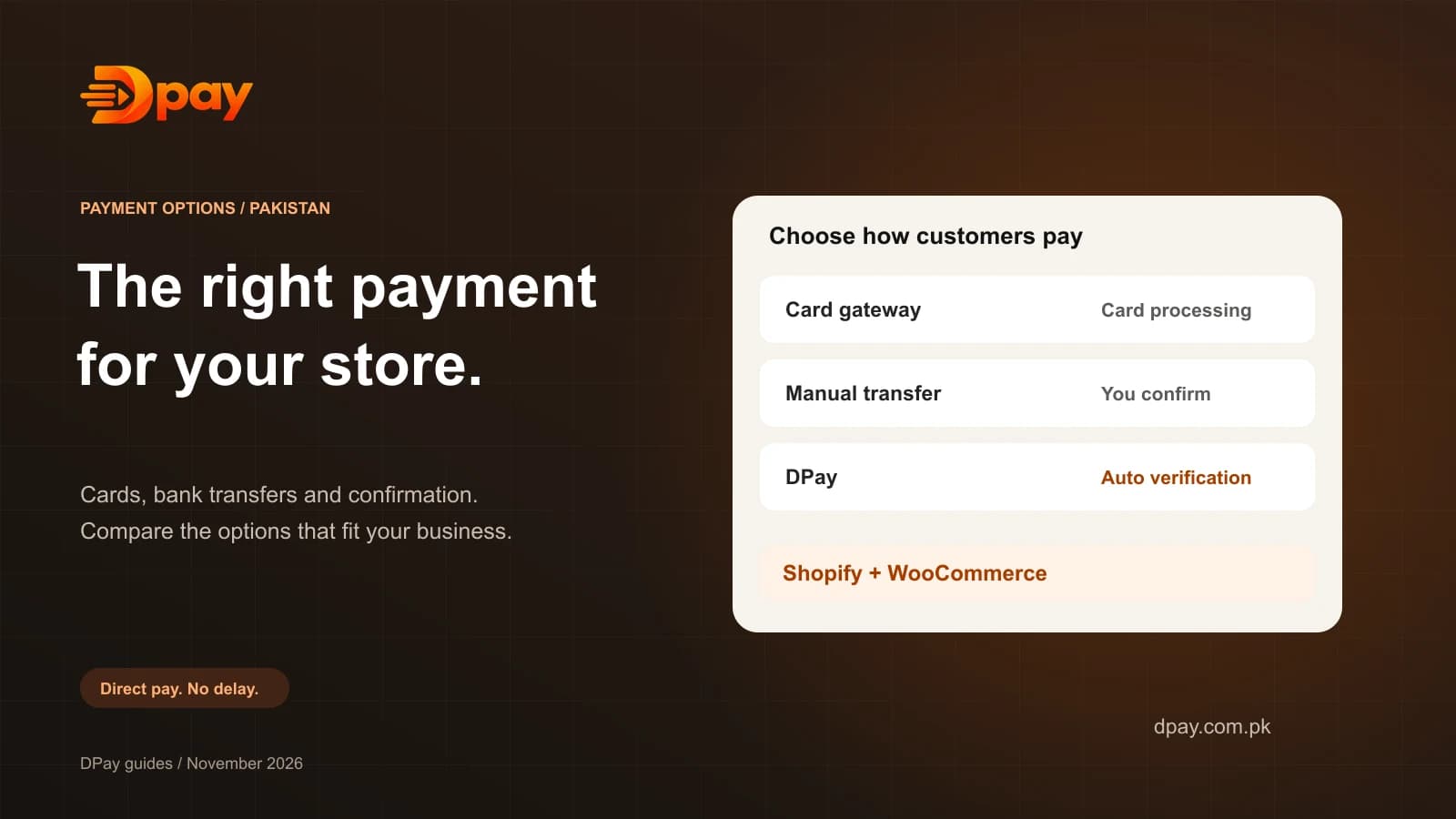
Manual bank transfer is one of the easiest payment options to offer.
However, it creates a problem.
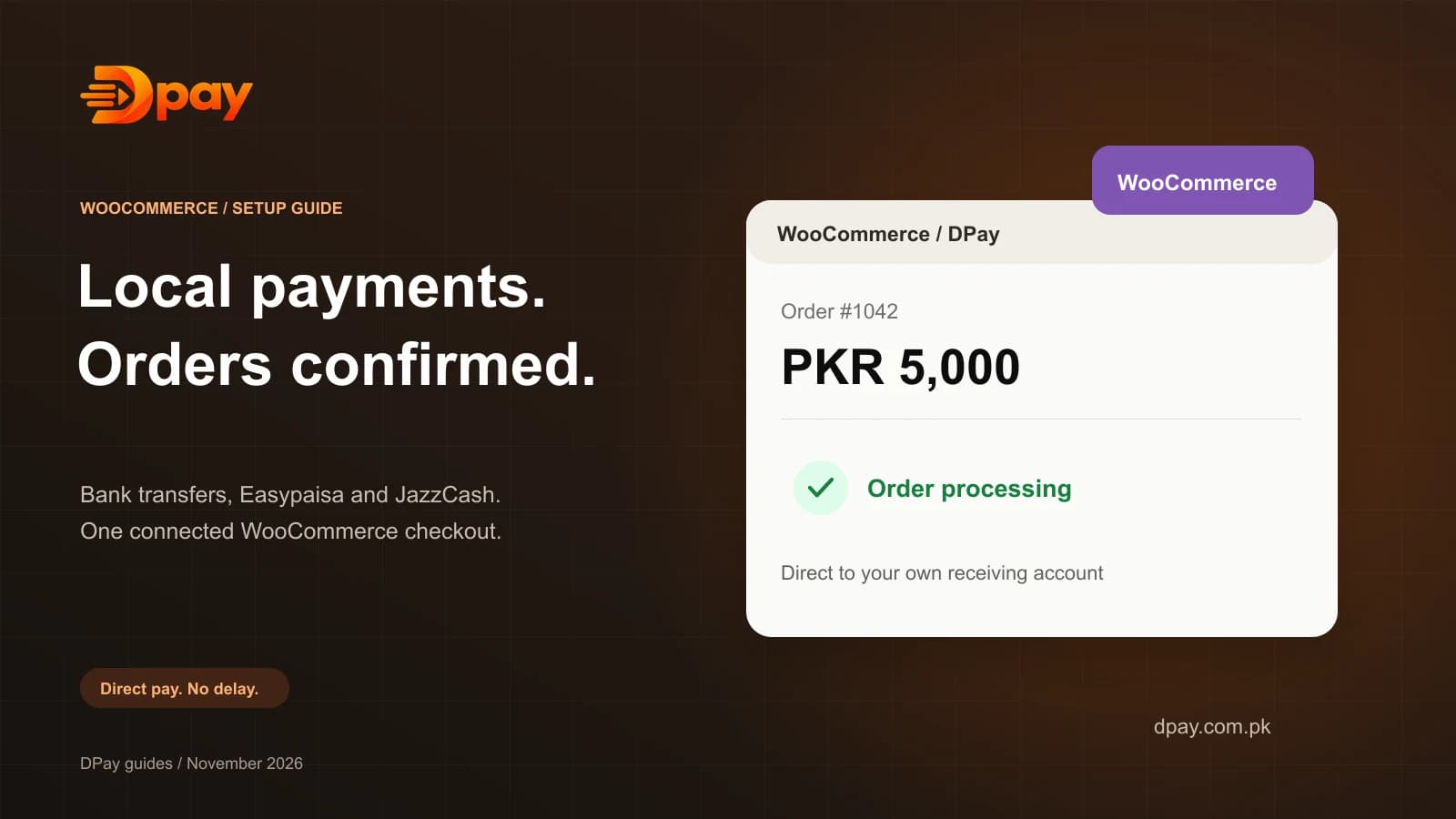
A customer may place an order and transfer money from Easypaisa, JazzCash, NayaPay, or a banking app.
Shopify initially shows the order as unpaid.
The merchant must confirm whether the transfer reached the correct account.
This is where automatic payment verification becomes useful.
Can Shopify Automatically Verify Bank Transfers?
Shopify's standard manual bank-transfer method does not independently verify incoming transfers.
It normally requires the merchant to confirm payment.
DPay offers a Shopify integration that helps automate this process.
Importantly, DPay is not a card-processing payment gateway inside Shopify.
It works with Shopify's manual payment methods.
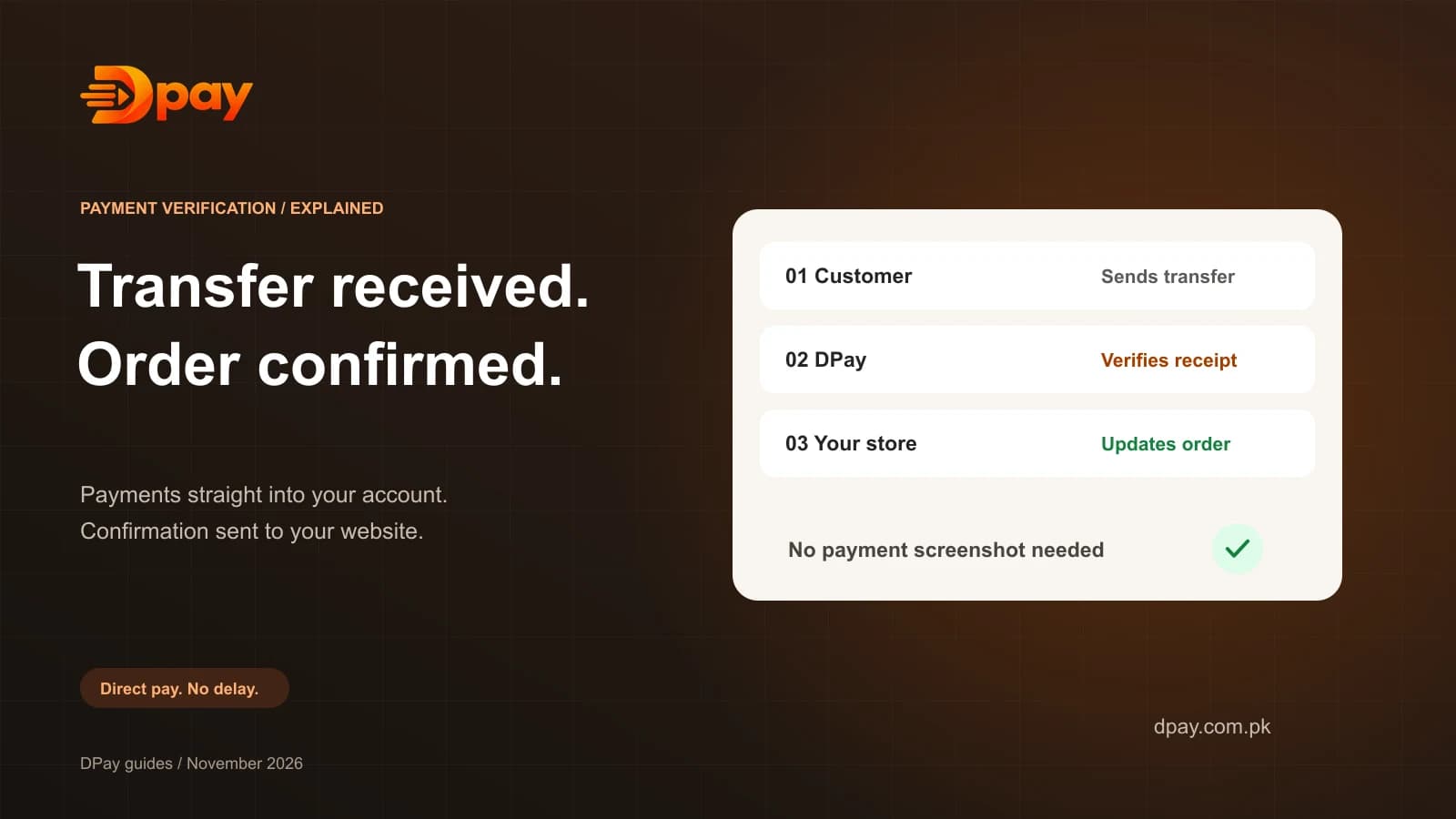
The customer pays your receiving account directly, and DPay checks whether the transfer arrived.
Once the payment is verified, the integration can update the Shopify order status.
What Is DPay for Shopify?
DPay is a bank-transfer payment confirmation platform for Pakistani businesses.
It helps merchants manage direct local payments without manually checking every customer screenshot.
Its Shopify integration is designed to provide:
- Automatic verification of supported bank transfers.
- Payment instructions on the thank-you page.
- Payment details on the order-status page.
- Automatic updates for verified orders.
- A payment reference for tracking.
- Support for compatible Pakistani bank and wallet transfers.
- No percentage commission charged by DPay.
The money goes to the merchant's own supported receiving account.
DPay does not hold or settle that money.
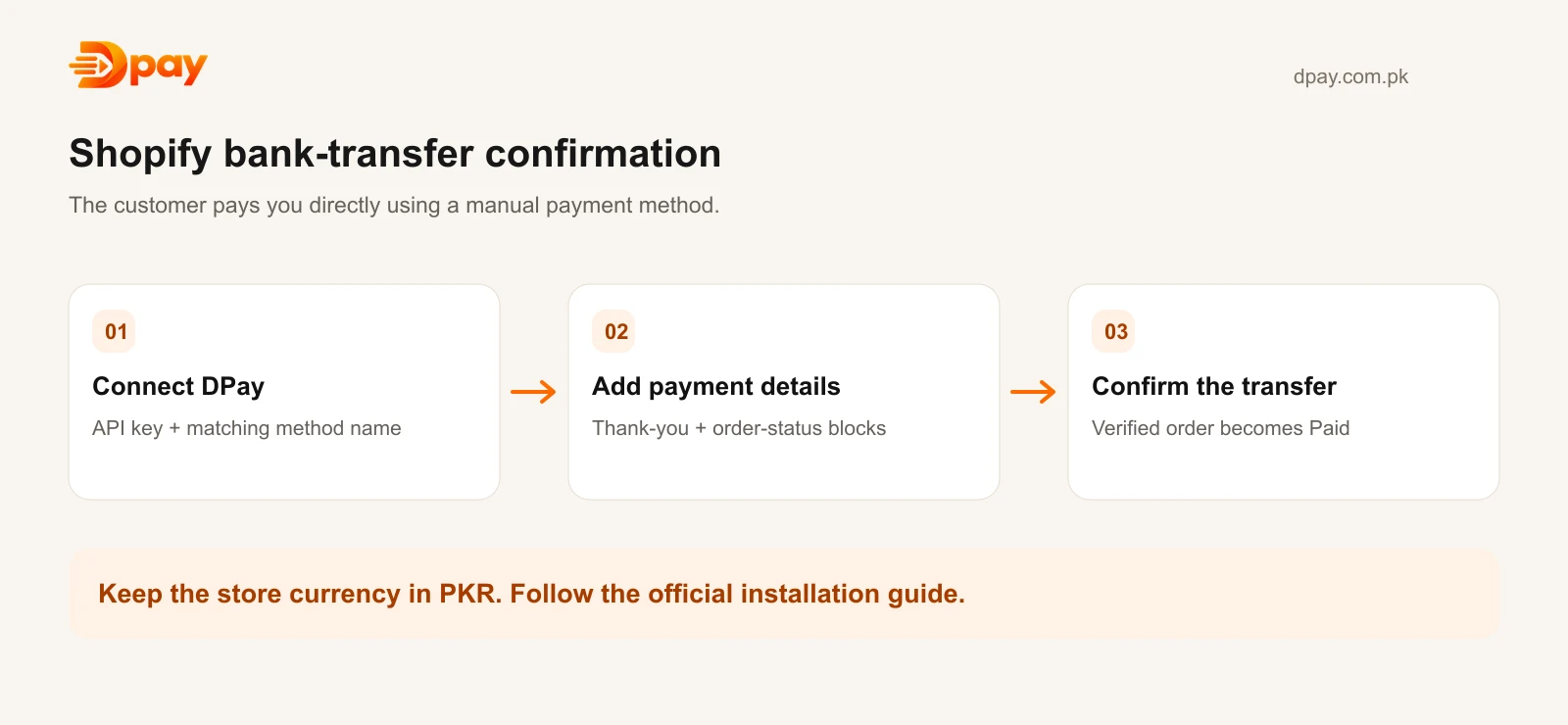
How to Set Up DPay on Shopify
Step 1: Create a DPay Account
Add your supported receiving account and complete the required verification and bank-alert setup.
You will also need an API key for the Shopify integration.
Step 2: Install and Connect the DPay App
Follow the official DPay Shopify guide to access and install the integration. If installation is not available for your store, contact DPay support for current access.
Open DPay in your Shopify admin.
Enter your API key and connect your DPay account.
The app shows the connection and webhook registration status.
Step 3: Add a Manual Payment Method
Open your Shopify admin.
Go to:
Settings → Payments → Manual payment methods
Choose the option to create a custom manual payment method.
Give it the same name configured in your DPay app.
For example:
Bank transfer / Easypaisa / JazzCash
In the instructions, tell customers that they will receive the exact payment amount and account details after placing their order.
Save the payment method.
Step 4: Add the DPay Payment Block
In Shopify, open:
Settings → Checkout → Customize
Select the Thank you page.
Add the DPay bank-transfer confirmation app block.
Save your changes.
Repeat this process on the Order status page.
This allows customers to return later and see their payment details again.
Step 5: Test the Checkout
Place a test order using your DPay test setup.
Confirm that the page displays the payment amount, receiving-account details, and payment reference.
Check that the DPay integration is connected correctly.
Before switching to live payments, make sure your store currency is PKR and your receiving-account setup is complete.
How Does Automatic Payment Confirmation Work?
Imagine a customer orders shoes worth Rs 6,000.
The process looks like this:
- The customer chooses the bank-transfer payment method.
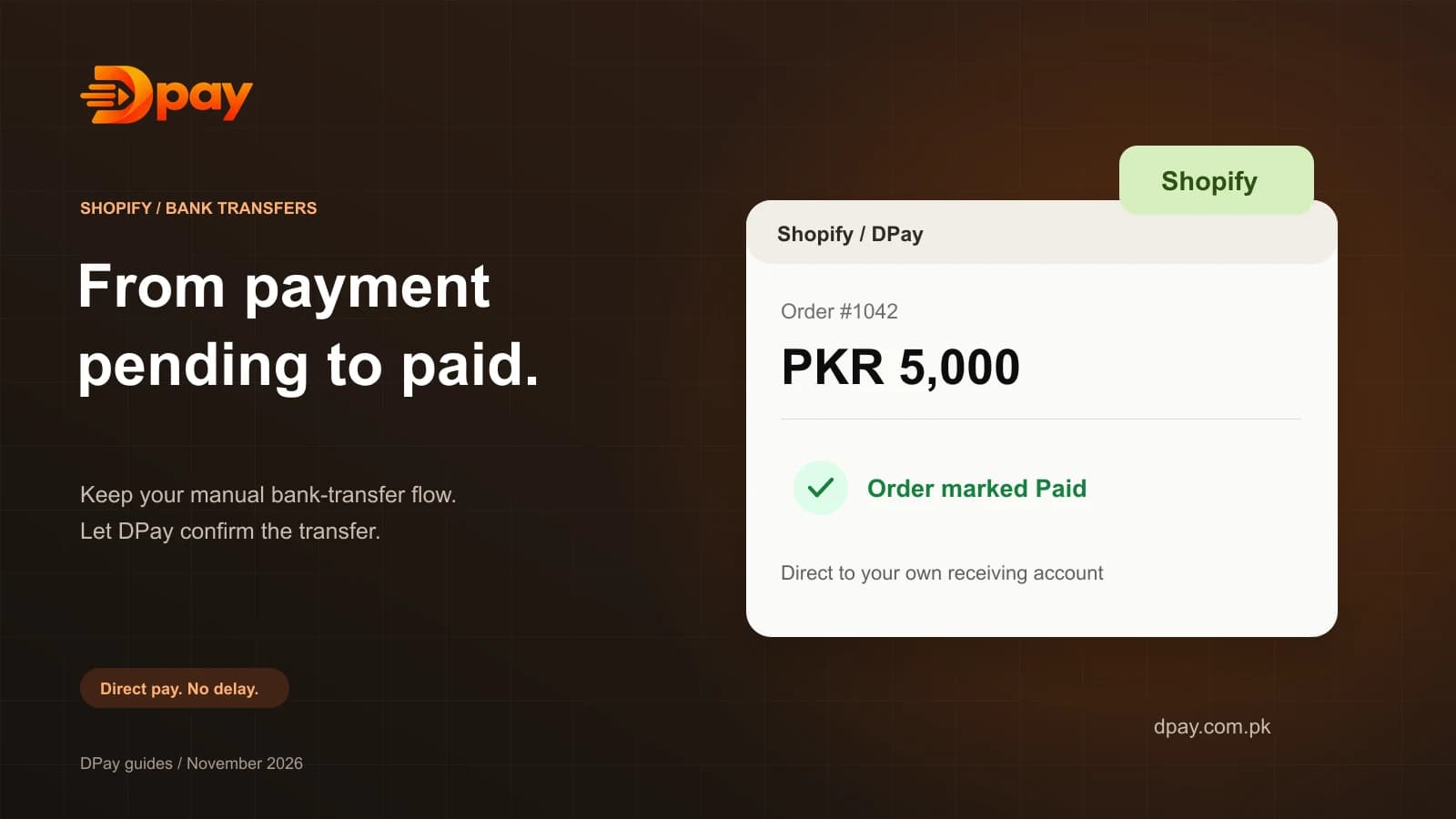
- Shopify creates the order with payment pending.
- The DPay payment block displays the transfer instructions.
- The customer sends money from a compatible wallet or banking app.
- DPay verifies that the transfer reached your receiving account.
- When verified, DPay tells the Shopify integration.
- The Shopify order is marked Paid.
This means the merchant does not need to open a banking app and check every order manually.
Payments that cannot be matched safely may still need review.
Can You Use DPay Without the Shopify App?
DPay's documentation also describes integration through Shopify Flow.
The available automation depends on the Shopify plan and the workflow being used.
Some setups provide payment information and notifications while still requiring the merchant to mark an order paid.
Other supported setups allow automatic order status updates.
The official DPay guide explains the available choices.
Is DPay Free for Shopify?
DPay does not charge a percentage of each sale.
It has subscription-based pricing and a trial offer.
This is different from saying the service has no cost.
Shopify itself also charges subscription fees, and other payment or bank charges may apply.
For current DPay plan details, see DPay Pricing.
Frequently Asked Questions
Can I accept Easypaisa on Shopify in Pakistan?
Yes. Customers can use compatible transfer methods, including Easypaisa-funded transfers, with a correctly configured DPay bank-transfer flow.
Can I accept JazzCash on Shopify?
Yes. DPay's Shopify documentation includes JazzCash among the apps customers can use to make supported transfers.
Will Shopify mark my bank-transfer orders as paid automatically?
With the correctly installed DPay integration, verified transfers can automatically update the related Shopify orders.
Does DPay process credit card payments?
No. DPay is a bank-transfer verification service, not a credit card processor.
Is DPay a replacement for Shopify checkout?
No. DPay works with Shopify's existing manual payment workflow.
What if the customer pays after leaving the website?
The customer can return to the Shopify order-status page to view their payment details. DPay can continue checking the pending transfer.
Final Thoughts
Shopify merchants in Pakistan do not have to rely only on manual payment screenshots.
With a suitable bank-transfer verification integration, supported transfers can be tracked and confirmed automatically.
DPay is designed to help with this process.
It keeps the payment between the customer and the merchant while helping Shopify recognize successful transfers.
Want to automate bank-transfer payments on Shopify?
Visit the DPay Shopify integration guide and learn how to connect your store.
Sources & official guides
Reviewed 2 November 2026. Product availability, supported accounts and fees can change; check the provider’s current terms.

Published by DPay, a bank-transfer payment verification service by DOWNLABS in Lahore, Pakistan. DPay charges subscription fees with 0% commission on sales. Payments go directly into the merchant’s supported receiving account.