
Are you looking for the best payment gateway in Pakistan for your online store?
If you use Shopify or WordPress WooCommerce, choosing the right payment solution is an important business decision.
Your customers want an easy way to pay. You want to receive money safely, confirm orders quickly, and avoid unnecessary payment charges.
But not every payment service works in the same way.
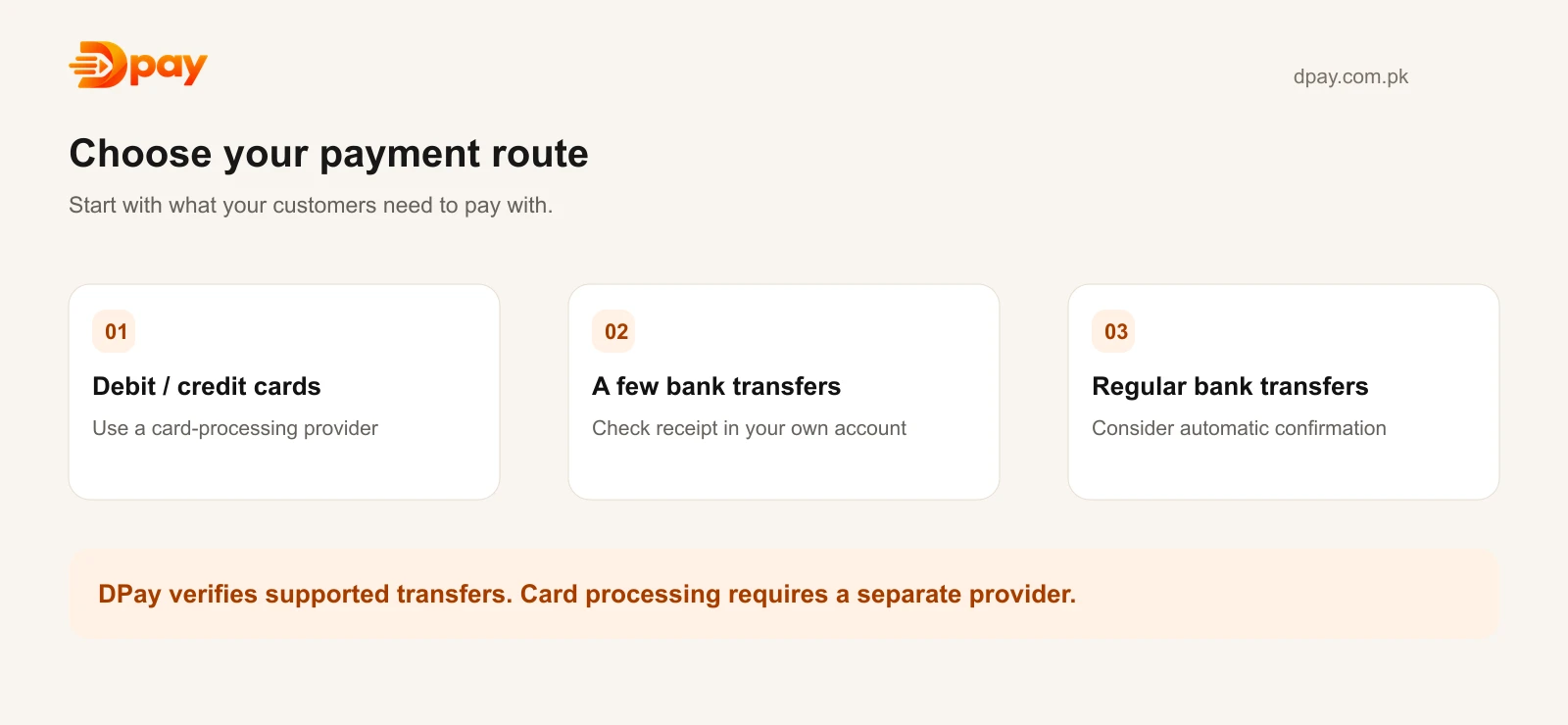
Some providers process debit and credit card payments. Others support bank transfers, Easypaisa, JazzCash, and other local payment methods.
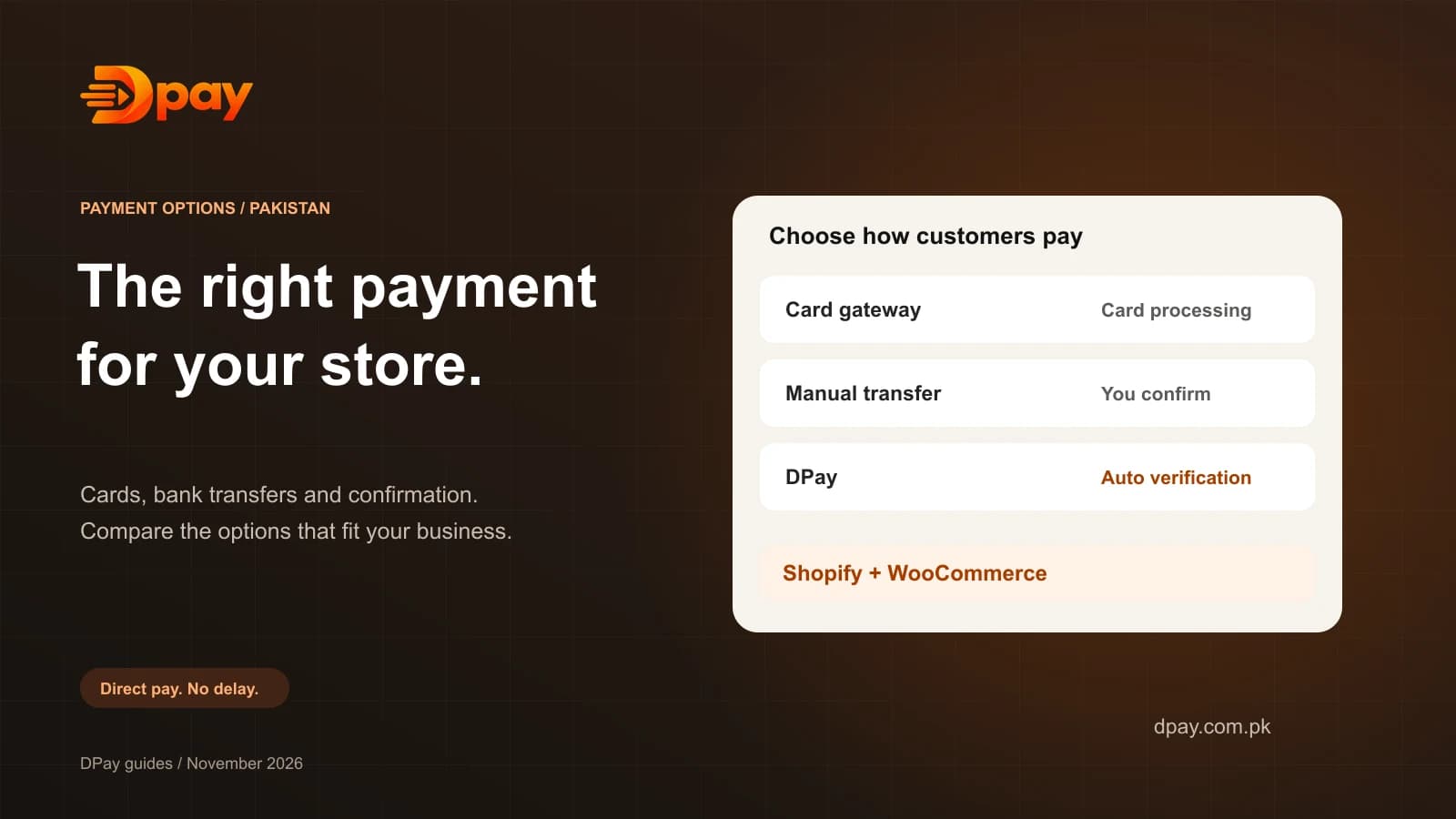
In this guide, we explain the main payment options available to Pakistani businesses, how they work, and which type may be suitable for your store.
What Is a Payment Gateway?
A payment gateway helps an online business accept or manage customer payments.
For example, imagine a customer buying a shirt worth Rs 3,000.
The customer places the order on your website and selects a payment method.
Depending on the service you use, the customer might:
- Pay with a debit or credit card.
- Transfer money from a banking app.
- Pay using Easypaisa or JazzCash.
- Scan a supported payment QR code.
A traditional payment gateway processes an electronic payment.
A bank-transfer confirmation service works differently. It helps your store identify when a direct transfer has been received.
Understanding this difference will help you choose the right solution.
Best Online Payment Options in Pakistan
1. DPay — For Automatic Bank Transfer Verification
DPay is a Pakistan-focused payment confirmation platform for businesses that receive payments through bank transfers and local wallets.
It is designed for sellers who want to receive money directly into their own supported account rather than through a separate gateway settlement balance.
DPay offers:
- Zero percentage commission on sales.
- Automatic bank-transfer verification.
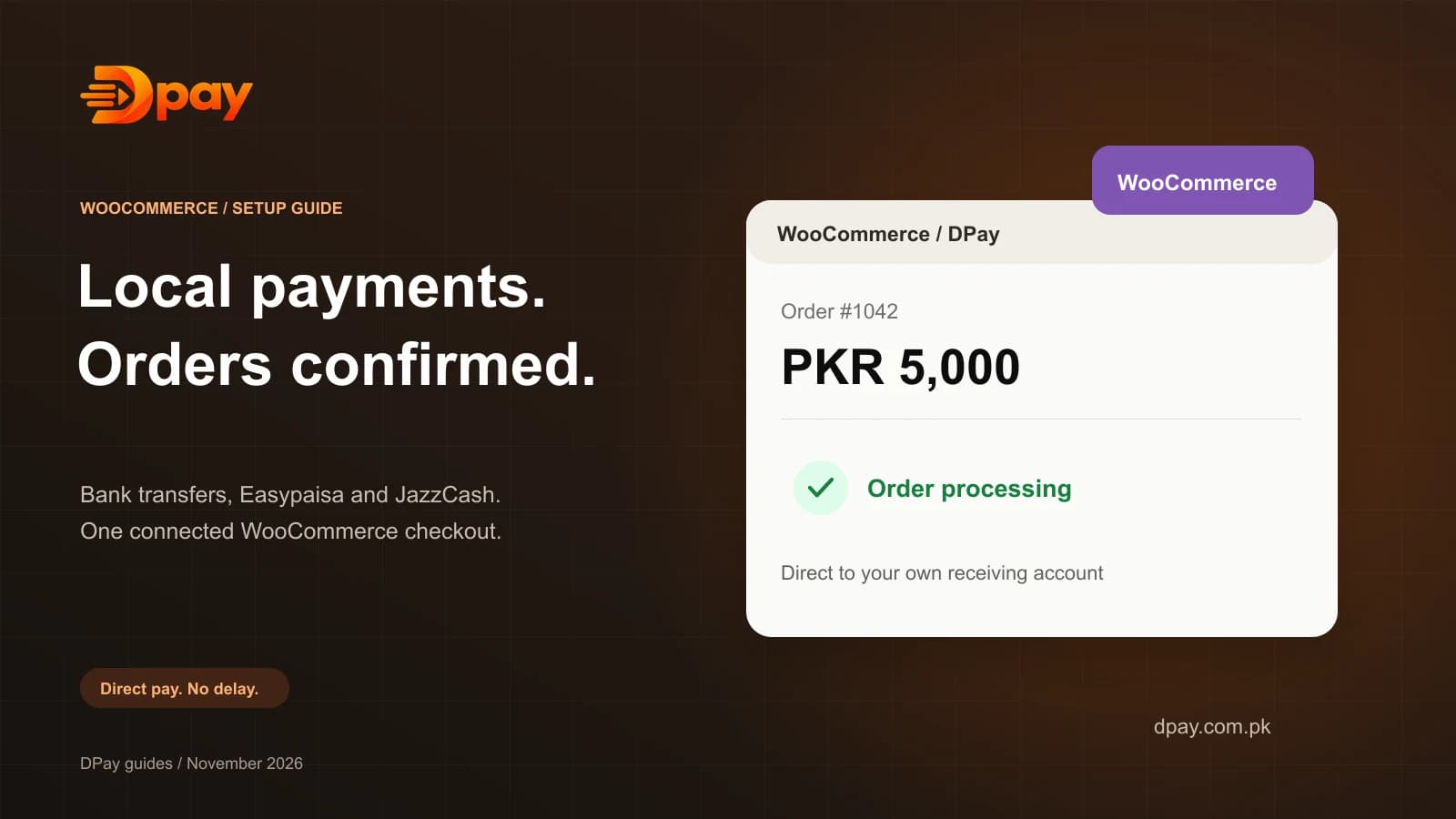
- A WooCommerce payment plugin.
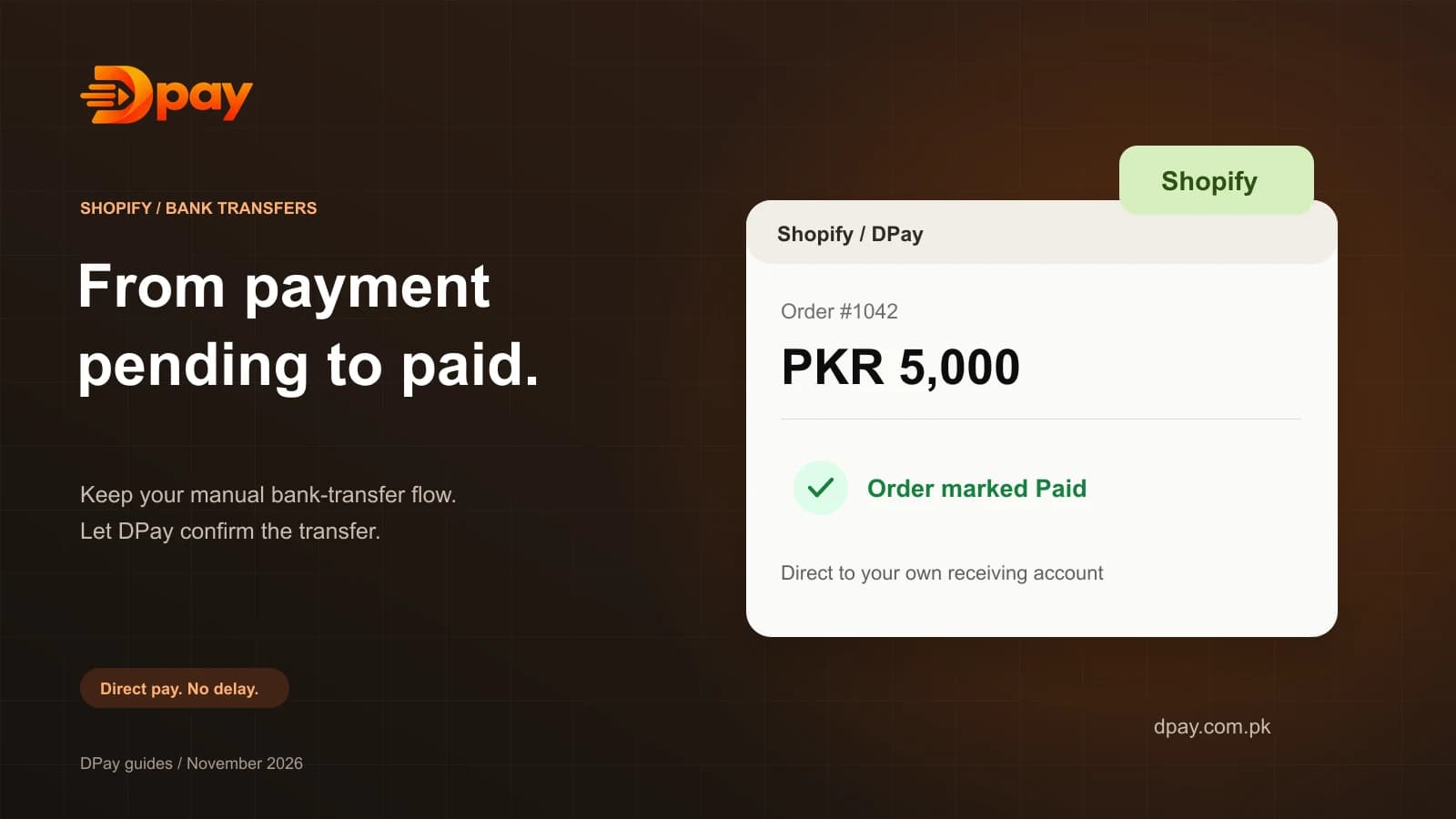
- Shopify bank-transfer confirmation integration.
- Support for customers paying through Easypaisa, JazzCash, NayaPay, and compatible banking apps.
- Payment links and invoices.
- A dashboard to track payments.
The important difference is that DPay does not process card payments or hold customer funds.
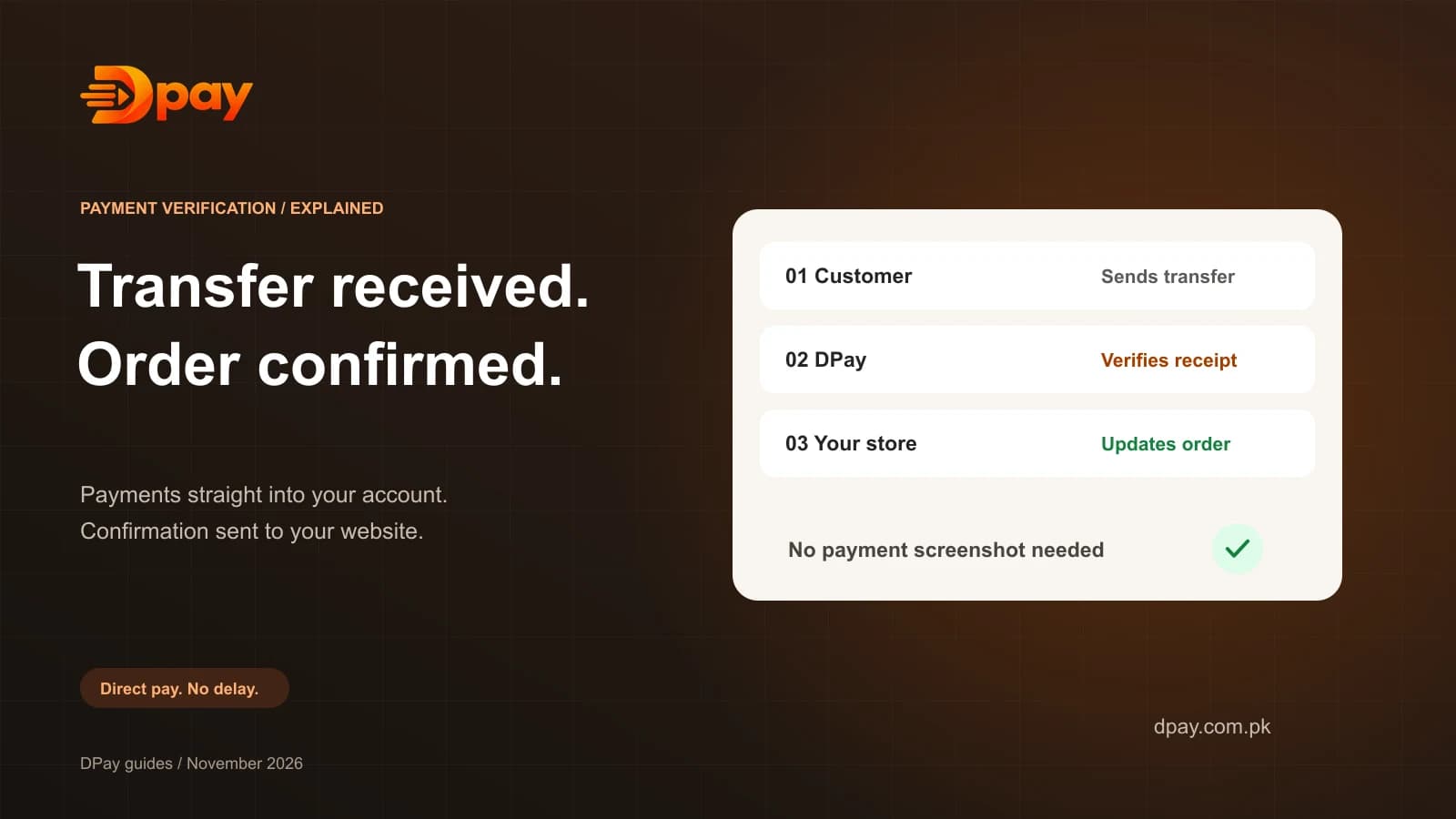
Instead, the customer transfers money directly to the merchant’s account, and DPay verifies that the transfer arrived.
When a payment is verified, DPay can update the related store order automatically.
Best for: Pakistani online stores, small businesses, and merchants looking for automated bank-transfer confirmation without percentage-based commission.
Learn more: DPay payment verification.
2. Safepay — For Card and Online Payments
Safepay is another online payment platform serving businesses in Pakistan.
It offers card payment processing, checkout tools, and integrations for ecommerce platforms including Shopify and WooCommerce.
Safepay is worth considering when your business needs to accept debit and credit card payments, including from eligible international customers.
Its pricing depends on the payment services being used.
Best for: Businesses that need traditional card payment processing.
Website: Safepay.
3. Bank Alfalah Payment Gateway — For Bank-Based Ecommerce Payments
Bank Alfalah offers an ecommerce payment gateway with several payment methods and website integration options.
Its published integration options include WooCommerce and Shopify.
This may be suitable for established businesses that want payment processing through a banking provider.
You should contact the bank to confirm its current onboarding requirements, transaction charges, and supported features for your business.
Best for: Businesses that prefer bank-provided payment processing.
Website: Bank Alfalah Alfa Payment Gateway.
4. Manual Bank Transfer — For Businesses Starting Without a Gateway
Both Shopify and WooCommerce allow merchants to offer manual bank transfers.
The process is simple:
- The customer places an order.
- The website displays your bank details.
- The customer transfers the money.
- You check your bank account.
- You manually confirm the order.
This can be a low-cost option for a new store.
However, checking each payment takes time.
Customers may send incorrect amounts, pay late, or share screenshots that do not prove a transfer arrived.
A service such as DPay can help automate the verification step for supported payment accounts.
Which Payment Solution Is Best for WooCommerce?
WooCommerce is a flexible platform because you can install payment plugins and control your checkout.
If you want card payments, consider a compatible card-processing provider.
If you want local bank transfers with automatic order updates, DPay is an option to evaluate.
The official DPay WooCommerce plugin connects the store to DPay using an API key. It provides a payment page and updates orders when transfers are verified.
Read the DPay WooCommerce setup guide.
Which Payment Solution Is Best for Shopify?
Shopify supports manual payment methods, including bank transfers.
For traditional card payments, merchants must check which third-party payment providers are available to their store.
For bank transfers, DPay offers a different approach.
Its Shopify integration works with Shopify's manual payment system and helps verify incoming transfers automatically.
Customers still pay using their own banking or wallet apps. DPay does not replace Shopify's card checkout.
Read the DPay Shopify setup guide.
What Should You Check Before Choosing a Gateway?
Before selecting a payment solution, ask these questions:
- Does it support the payment methods my customers use?
- Is it compatible with Shopify or WooCommerce?
- Does it charge a percentage of every sale?
- Are there monthly or setup fees?
- Does it verify payments automatically?
- Where does the customer's money go?
- Does it support refunds and payment disputes?
- How are payment errors handled?
A solution that works well for a card-based business may not be the best option for a shop that mainly receives local bank transfers.
Frequently Asked Questions
What is the best payment gateway in Pakistan without percentage fees?
If you mainly accept bank transfers, DPay is an option to consider because it advertises 0% commission on sales. It uses subscription plans, so the service is not necessarily free.
Can I accept Easypaisa and JazzCash on WooCommerce?
Yes. DPay's WooCommerce integration allows customers to pay from supported local wallets and banking apps through a bank-transfer payment flow.
Does Shopify support bank transfers in Pakistan?
Yes. Shopify allows merchants to create manual payment methods, including bank transfers. Payment confirmation is manual unless a compatible tool automates it.
Does DPay accept credit cards?
No. DPay focuses on bank transfers and wallet-funded transfers. Businesses that need card payments should use a suitable card-processing provider alongside it.
Can a payment be verified without a screenshot?
Yes. With a supported receiving account and completed setup, DPay can verify incoming transfers without relying on customer screenshots.
Final Thoughts
There is no single payment solution that is best for every Pakistani business.
If you need card payments, choose a provider that supports card processing and your ecommerce platform.
If you mainly receive payments from Pakistani banking apps, Easypaisa, or JazzCash, consider a direct bank-transfer solution with automatic verification.
DPay is designed for this second use case.
It helps merchants track and confirm direct transfers without charging a percentage of the sale value.
Want to accept local bank transfers on your online store?
Explore DPay’s WooCommerce and Shopify integrations, or review the current pricing plans.
Disclosure: This guide is published by DPay, a bank-transfer payment verification platform. Product features and pricing should be checked directly with each provider before making a decision.
Sources & official guides
Reviewed 2 November 2026. Product availability, supported accounts and fees can change; check the provider’s current terms.

Published by DPay, a bank-transfer payment verification service by DOWNLABS in Lahore, Pakistan. DPay charges subscription fees with 0% commission on sales. Payments go directly into the merchant’s supported receiving account.