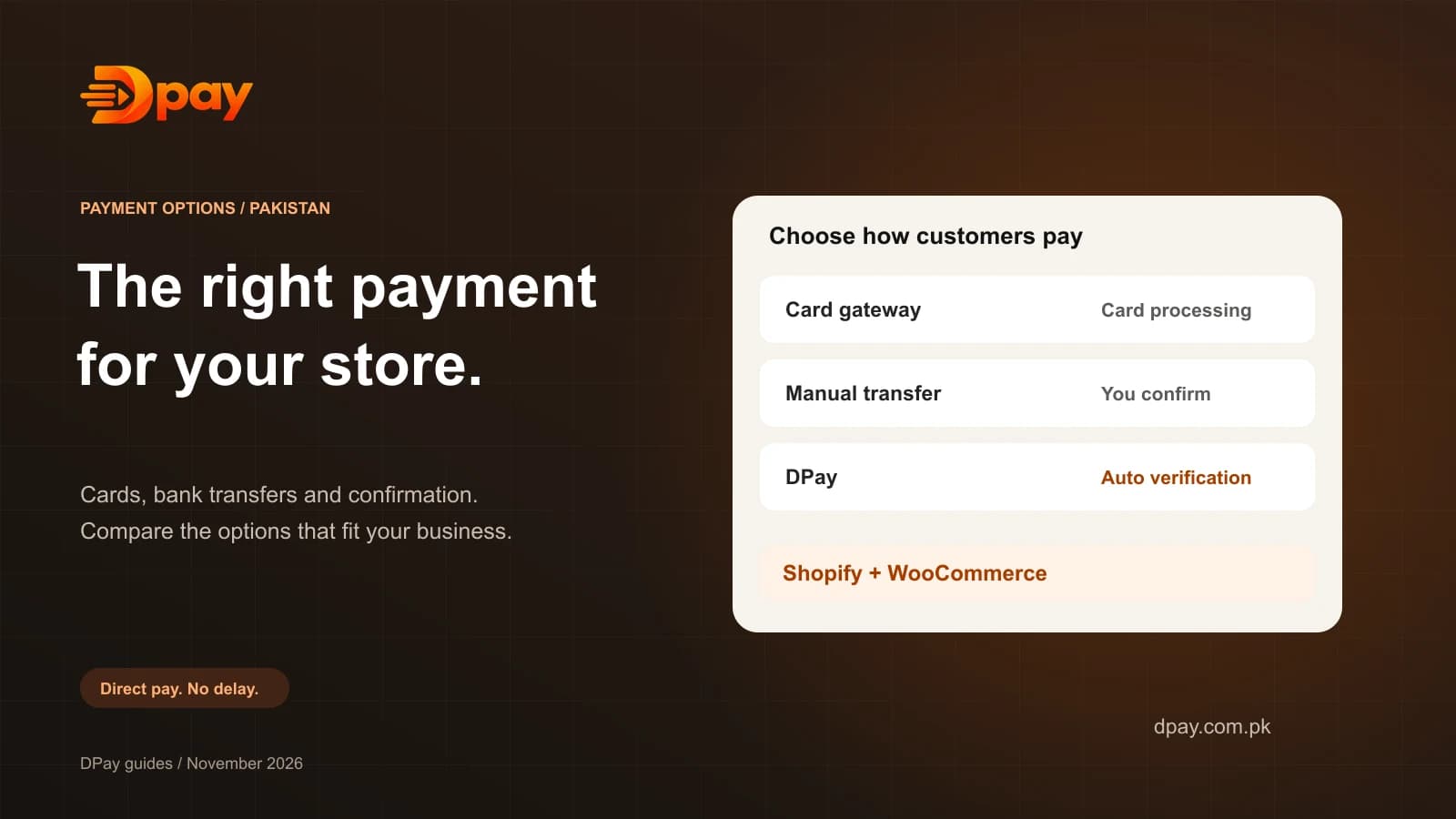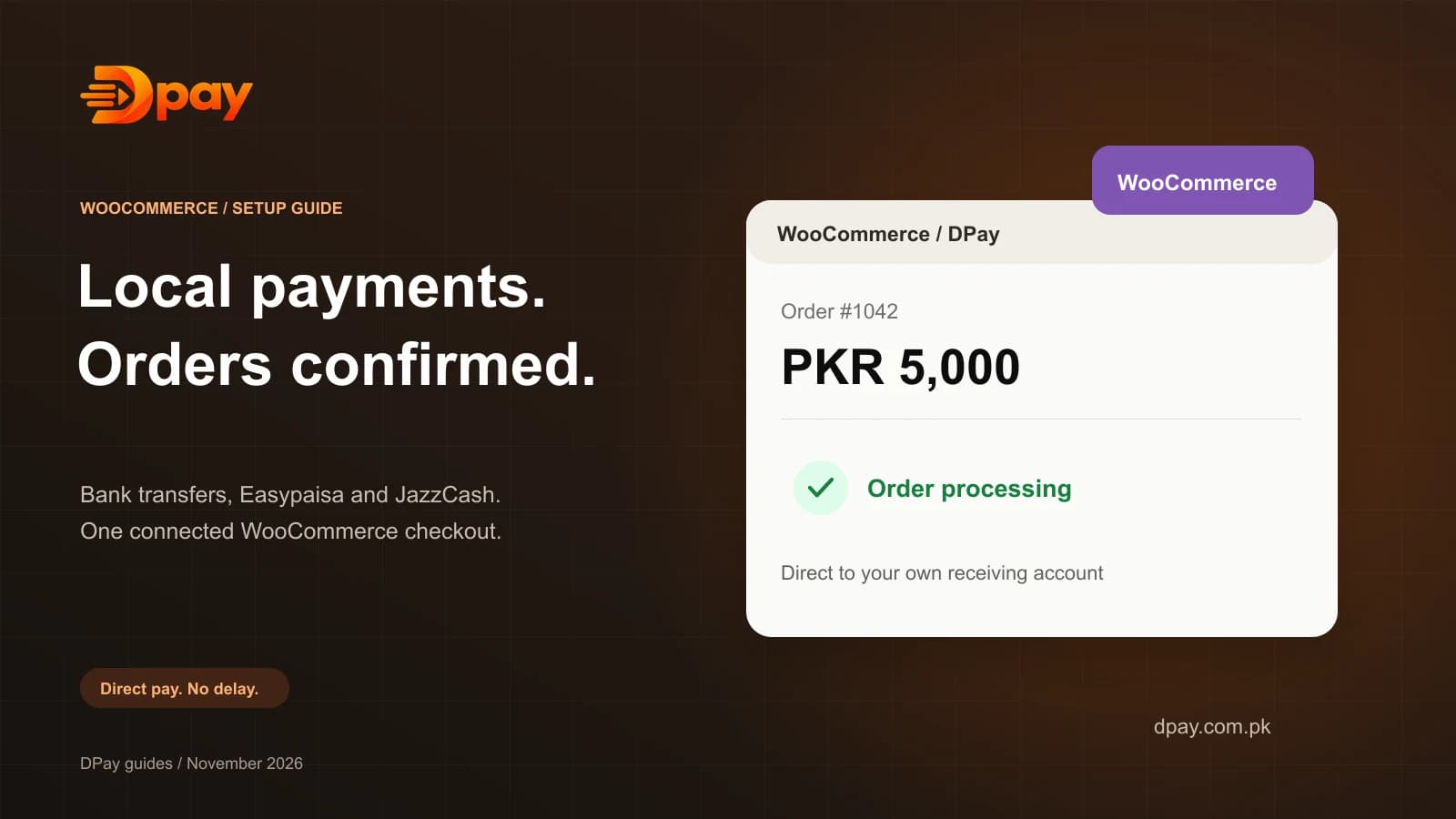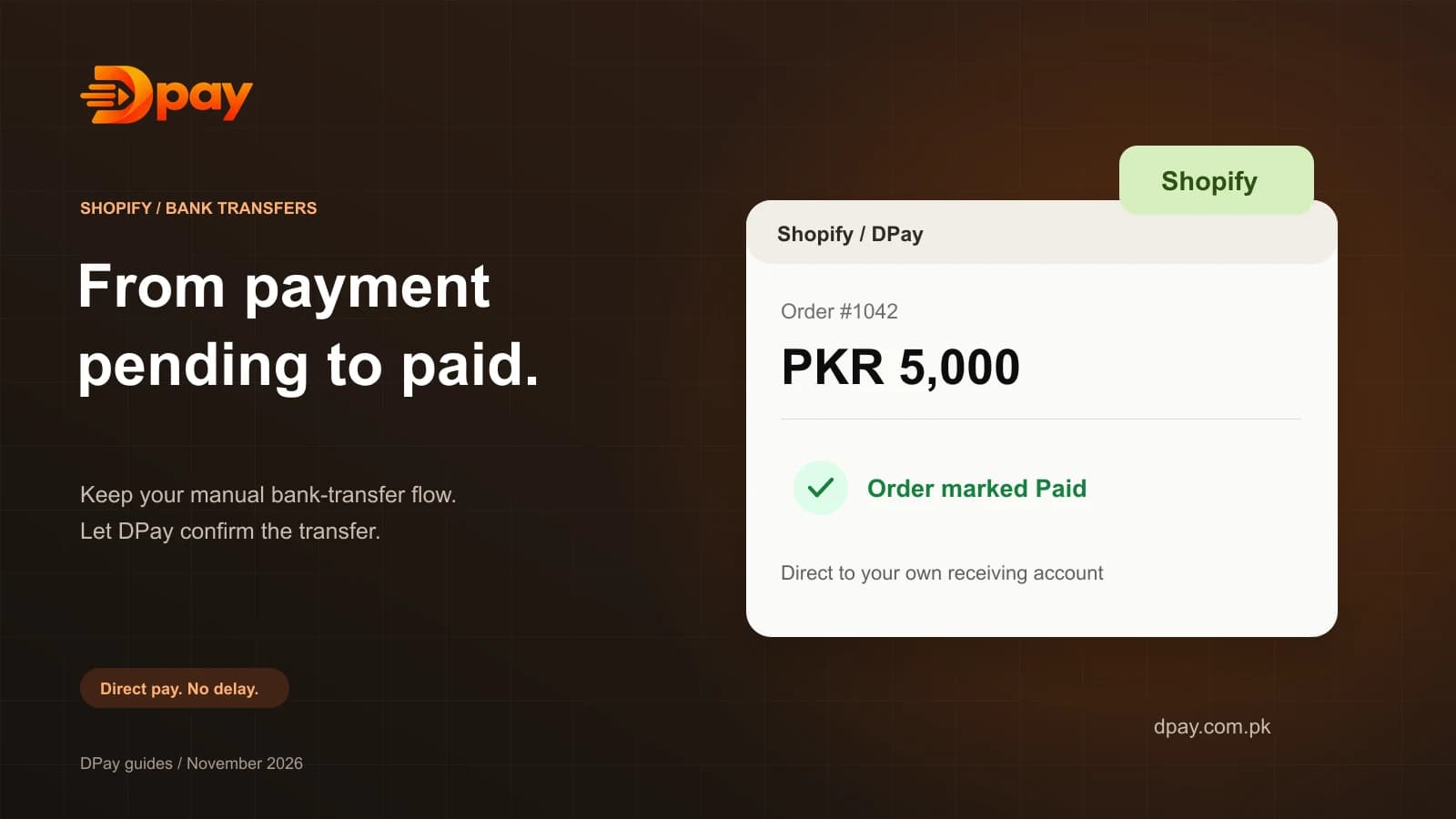

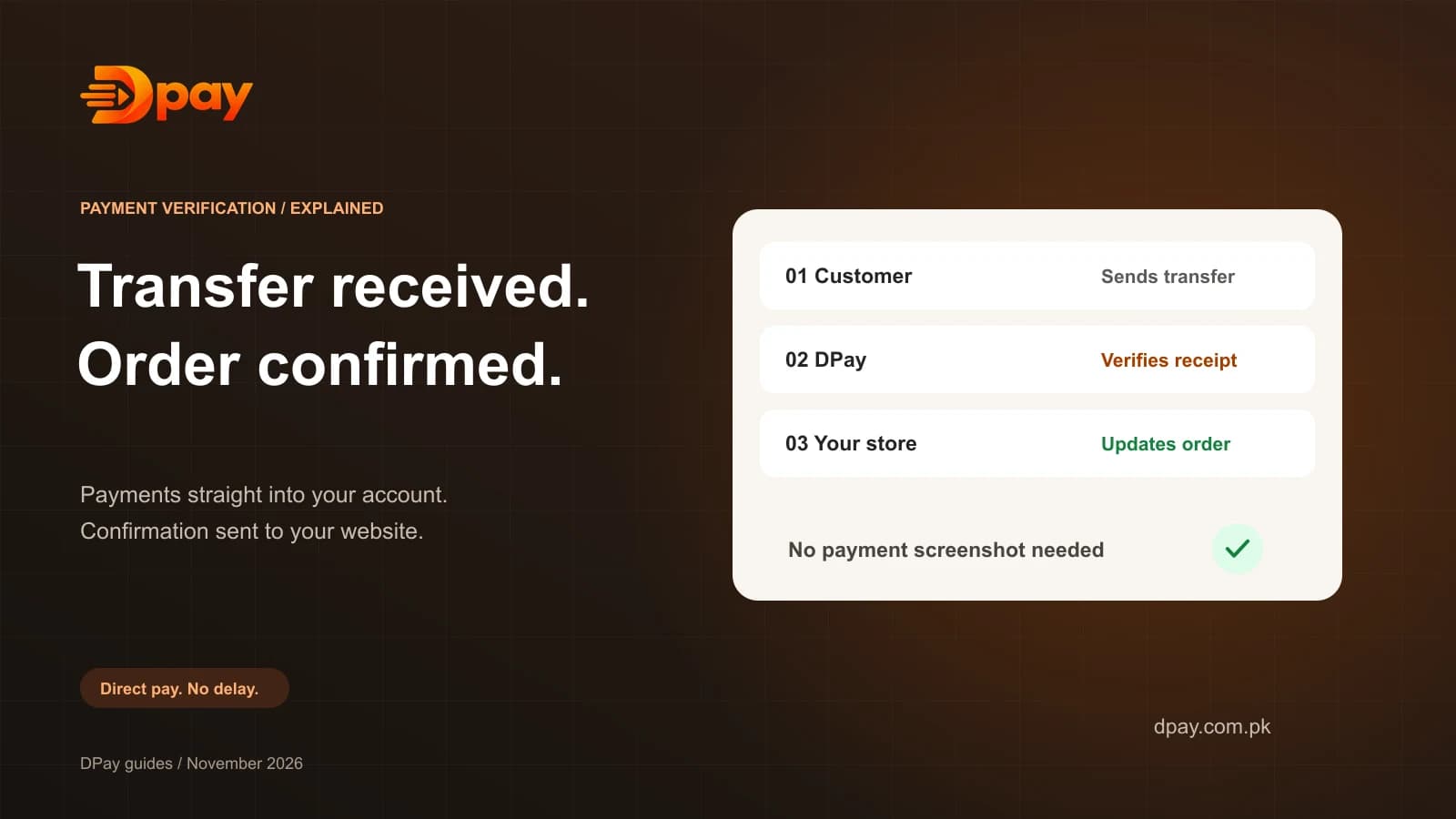
Many Pakistani businesses accept payments through bank transfers, Easypaisa, JazzCash, and other mobile banking apps.
Receiving these payments is usually simple.
But confirming which customer has paid can be difficult.
A customer may send a screenshot. Another customer may send the wrong amount. Two customers may pay the same amount at nearly the same time.
Checking all these transactions manually takes time and can lead to errors.
Automatic bank transfer verification helps solve this problem.
In this guide, we explain what automatic payment verification means, how it works, and how Pakistani businesses can use it.
What Is Automatic Bank Transfer Verification?
Automatic bank transfer verification is a system that checks whether a customer payment has reached the merchant's receiving account.
Instead of asking a person to open a banking app and compare transactions, software helps identify and confirm incoming transfers.
For example, imagine that a customer places an order worth Rs 2,500.
The customer transfers the money to your bank account.
A payment verification service checks the information available from the incoming transfer and tries to match it with the correct order.
When a safe match is confirmed, the order can be updated automatically.
This reduces the need for manual payment checking.
Why Do Pakistani Businesses Need Payment Verification?
Local bank transfers are common in Pakistani online businesses.
They are useful because customers can pay through familiar banking and wallet apps.
However, a basic bank transfer does not automatically tell your ecommerce system which order has been paid.
This creates several problems.
1. Manual Payment Checking
Merchants must repeatedly open their banking apps and compare incoming transfers with customer orders.
2. Payment Screenshots
Customers may share screenshots as proof of payment.
A screenshot is not the same as verified money received in your bank account.
3. Duplicate Payment Amounts
Two customers might send Rs 3,000 on the same day.
If the merchant checks only the amount, the wrong order could be confirmed.
4. Delayed Order Processing
A genuine customer may have paid, but their order remains pending because the merchant has not checked the transfer.
Automatic verification can help address these problems.
How Does Automatic Bank Transfer Verification Work?
The process usually includes five steps.
Step 1: Create a Payment Request
The customer places an order on a website or receives a payment link.
The system creates a payment request containing the amount and an order reference.
Step 2: Display Payment Instructions
The customer sees the receiving-account details and the exact amount to pay.
They use a supported banking or wallet app to make the transfer.
Step 3: Check Payment Status
A payment verification system receives information about the bank transfer.
The available payment-confirmation method depends on the provider and supported receiving account.
Step 4: Confirm the Correct Payment
The system compares the incoming payment information with the open payment request.
A transfer must be verified against the correct payment request before the business treats the order as paid.
If the system cannot identify the correct order safely, it should flag the payment for review rather than guessing.
Step 5: Confirm the Order
When the transfer is verified, the system records the successful payment.
It can then notify the website or business software to update the order.
This makes payment confirmation faster and more consistent.
How Does DPay Verify Bank Transfers?
DPay is a payment verification platform designed for Pakistani merchants.
It verifies supported transfers into the merchant’s own receiving account.
Here is the basic process:
- The merchant creates a payment using DPay.
- DPay shows the customer the transfer details.
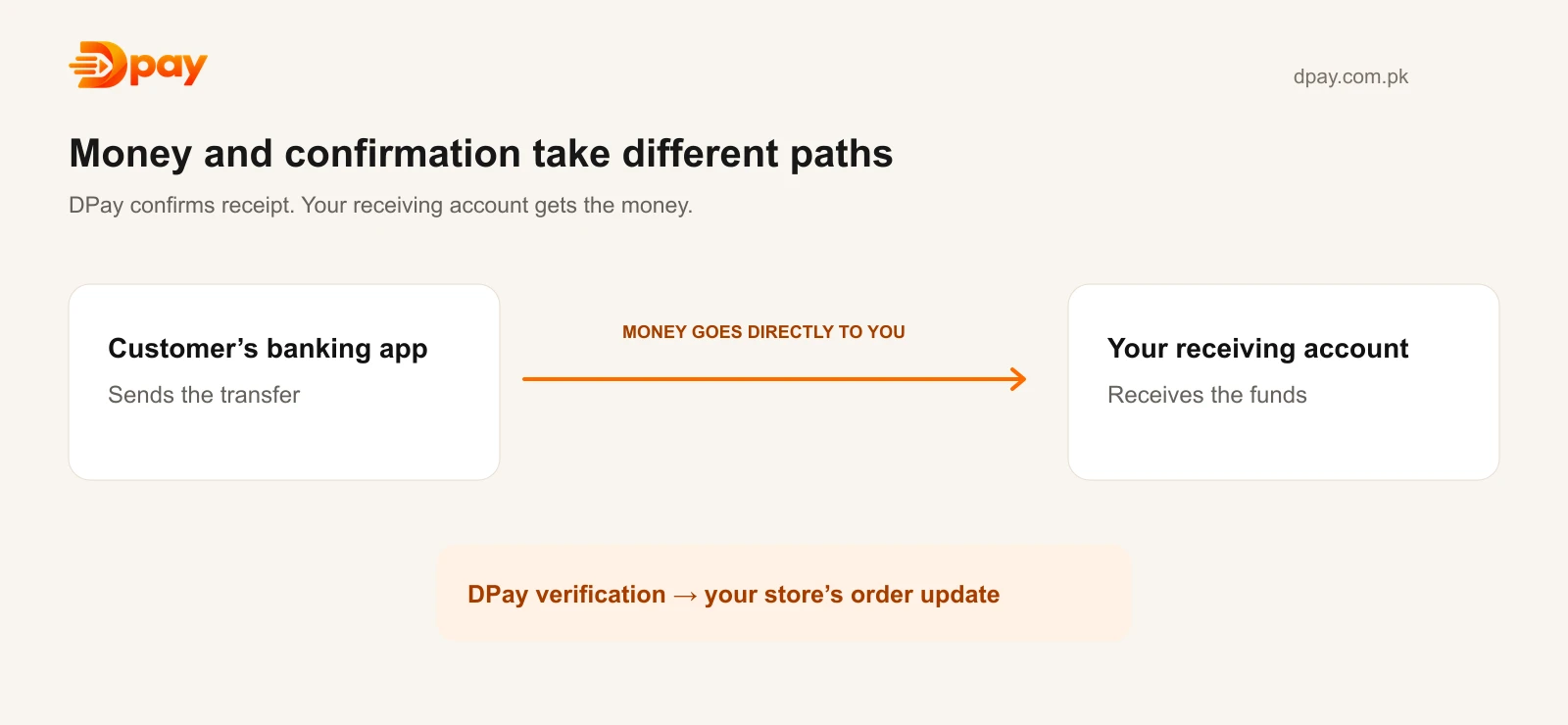
- The customer sends money directly to the merchant.
- DPay verifies that the transfer reached the merchant’s account.
- DPay records the result against the relevant payment request.
- A successfully verified payment is marked as paid.
- DPay can notify the merchant's connected website.
DPay does not need to hold customer money to confirm the transfer.
The transfer takes place between the customer's financial account and the merchant's receiving account.
Read more about DPay payment verification.
How Can Developers Connect Automatic Verification to a Website?
Developers can use the DPay API to create payment requests and receive status updates.
For a custom ecommerce website, the general integration looks like this:
Step 1: Create a Payment Session
Your backend sends the order details to DPay using a secure API request.
DPay returns information for the payment checkout.
Step 2: Show the Payment Page
Your website opens the DPay payment page so the customer can see where and how much to pay.
Step 3: Wait for Verified Payment
DPay checks incoming transfers against the active payment.
Step 4: Receive a Webhook
When a payment succeeds, DPay can send a signed webhook to your backend.
A webhook is a message that one system automatically sends to another system when an event happens.
Step 5: Update the Order
Your backend verifies the webhook signature and checks the related payment.
It then updates the order to Paid, Processing, or another suitable status.
For security, a successful-payment event should not be accepted only because a customer or browser says the payment succeeded.
Read the DPay API documentation for the supported endpoints and webhook requirements.
What Happens If a Payment Cannot Be Matched?
No payment verification system should guess when the information is unclear.
For example, two customers may owe the same amount and both transfers may arrive close together.
A reliable verification workflow should keep the affected payment pending or flag it for review until there is enough information to identify it.
DPay documents handling for transfers that cannot be matched safely.
Merchants should also keep their own bank records for reconciliation.
Who Can Use Automatic Bank Transfer Verification?
This technology can be useful for several types of businesses.
Online stores: Confirm paid orders before packing and shipping.
Freelancers: Track payments from local clients.
Agencies: Send invoices and monitor their payment status.
Educational businesses: Confirm course or tuition payments.
Service providers: Reduce the time spent comparing customer receipts with bank statements.
Software developers: Add automatic payment confirmation to custom applications.
Frequently Asked Questions
Can bank transfers be verified automatically in Pakistan?
Yes. Tools such as DPay can verify supported transfers and notify a connected website when the payment is confirmed.
Can DPay verify Easypaisa and JazzCash transfers?
DPay supports payment flows funded from compatible wallets and banking apps, including Easypaisa and JazzCash, when the receiving account and verification setup are supported.
Does a payment screenshot prove that money was received?
No. The safest confirmation is reliable evidence that the money reached the merchant's account.
Does DPay hold customer payments?
No. DPay's published model is based on transfers directly into the merchant's receiving account.
What is a payment webhook?
A webhook is an automatic notification sent from one software system to another. It can inform an ecommerce website that a payment was successfully verified.
Can automatic verification fail?
A payment may require manual review if its details are unclear, if bank notifications are delayed, or if the transfer cannot be matched safely.
Final Thoughts
Automatic bank transfer verification can make payment management much easier for Pakistani businesses.
Instead of relying only on screenshots and manual checking, merchants can use payment software to confirm incoming transfers and update orders.
DPay provides this functionality for supported local banking and wallet payment flows.
It also offers WooCommerce, Shopify, and custom API integrations.
Want to automate bank-transfer verification for your business?
Explore DPay or visit the developer documentation to learn how it works.
Sources & official guides
Reviewed 2 November 2026. Product availability, supported accounts and fees can change; check the provider’s current terms.

Published by DPay, a bank-transfer payment verification service by DOWNLABS in Lahore, Pakistan. DPay charges subscription fees with 0% commission on sales. Payments go directly into the merchant’s supported receiving account.